Satu tempat untuk semua alat online yang Anda butuhkan
Edit teks, kelola PDF, dan optimalkan gambar langsung dari browser. Gratis, cepat, dan tanpa perlu instal aplikasi apa pun.
Cari alat dalam hitungan detik
Ketik nama alat atau pilih kategori di bawah.
Cara kerja EditPad.id
Tiga langkah sederhana, tanpa akun dan tanpa aplikasi tambahan.
Pilih alat
Cari lewat kotak pencarian atau jelajahi kategori Teks, PDF, dan Gambar di bawah.
Unggah atau tempel
Tempel teks atau unggah file Anda langsung di halaman alat yang dipilih.
Unduh hasilnya
Proses berjalan dalam hitungan detik, hasil langsung bisa disalin atau diunduh.
Alat Teks
10 alatParafrase, ringkas, ubah format, dan rapikan teks tanpa perlu aplikasi tambahan.
Parafrase Online
Ubah kalimat menjadi versi baru secara otomatis tanpa mengubah makna aslinya.
Ringkasan Teks AI
Ringkas artikel panjang menjadi poin-poin penting dalam hitungan detik.
Konverter Teks ke Kode Morse
Ubah kalimat menjadi kode morse lengkap dengan audio titik dan strip.
JSON Formatter
Rapikan dan validasi data JSON agar mudah dibaca dan bebas dari kesalahan.
Teks Kosong
Salin karakter kosong untuk nama, bio, atau kolom yang tidak menerima spasi.
Teks Kosong Instagram
Karakter kosong khusus untuk caption dan nama pengguna Instagram.
Online Wordpad
Editor teks sederhana langsung di browser tanpa perlu instal aplikasi.
Pengulang Teks
Gandakan kata atau kalimat sebanyak yang Anda butuhkan secara instan.
Generator Huruf Unik
Ubah huruf biasa menjadi gaya font unik untuk bio dan media sosial.
Gambar ke Teks
Ekstrak tulisan dari gambar (OCR) menjadi teks yang bisa disalin.
Alat PDF
4 alatUbah, gabungkan, dan susun ulang dokumen PDF sesuai kebutuhan Anda.
PDF ke Flipbook
Ubah dokumen PDF menjadi buku digital dengan efek buka halaman.
Katalog PDF ke Booklet
Susun ulang PDF katalog menjadi format booklet yang siap cetak.
Gabung JPG ke PDF
Satukan beberapa gambar JPG menjadi satu file PDF.
Ubah JPG ke PDF
Konversi satu gambar JPG menjadi dokumen PDF dalam sekali klik.
Alat Gambar
1 alatOptimalkan ukuran gambar tanpa menurunkan kualitas tampilannya.
Alat Lainnya
1 alatAlat tambahan di luar kategori teks, PDF, dan gambar.
Kenapa memilih EditPad.id
Dibangun agar cepat, sederhana, dan nyaman dipakai setiap hari.
Tanpa instalasi
Semua alat berjalan langsung di browser, tidak perlu mengunduh aplikasi tambahan.
Proses di perangkat Anda
Sebagian besar alat memproses file di sisi klien, sehingga lebih cepat dan lebih privat.
Bahasa Indonesia
Antarmuka dan panduan penggunaan sepenuhnya dalam Bahasa Indonesia.
Terus diperbarui
Kami menambah dan menyempurnakan alat setiap bulan berdasarkan masukan pengguna.
Pertanyaan yang sering diajukan
Belum menemukan jawabannya? Hubungi kami kapan saja.
Ya, seluruh alat di EditPad.id dapat digunakan tanpa biaya dan tanpa batas jumlah penggunaan harian.
Tidak. Semua alat bisa langsung digunakan tanpa perlu mendaftar atau login terlebih dahulu.
Sebagian besar proses berjalan langsung di peramban Anda sehingga file tidak perlu diunggah ke server. Detail lengkapnya ada di halaman Kebijakan Privasi.
Bisa. Seluruh alat dirancang responsif dan berfungsi baik di ponsel, tablet, maupun komputer.
Kirim permintaan Anda lewat halaman Hubungi Kami. Kami rutin menambahkan alat baru setiap bulan.
Artikel Terbaru
Panduan, tips, dan tutorial seputar tools online EditPad.id.

Setup Meja Kerja Digital: 10 Tools Online Gratis untuk Produktivitas

Ciri-Ciri Stik Controller Rusak dan Cara Mengeceknya

Cara Tes Gamepad/Stik Controller Sebelum Bermain
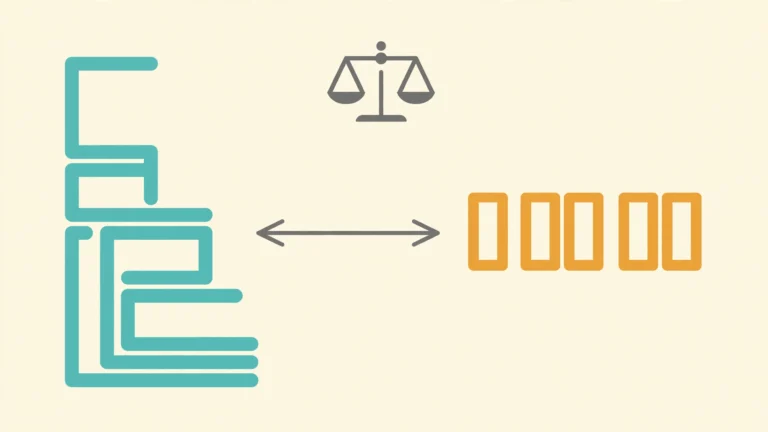
Format vs Minify JSON: Apa Bedanya dan Kapan Menggunakannya?
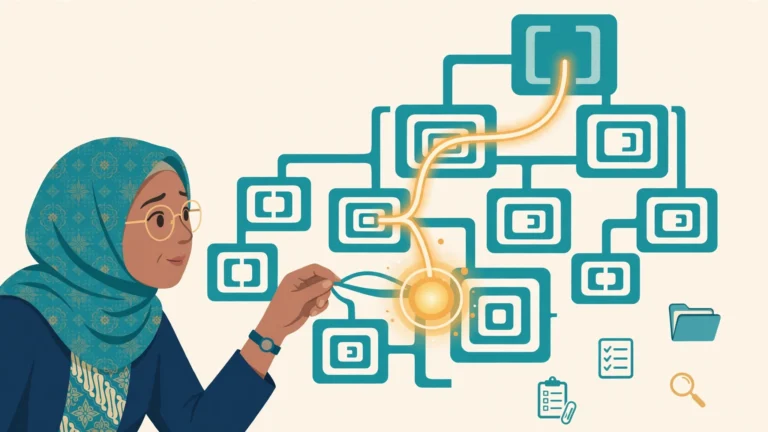
Cara Membaca dan Memahami Struktur Data JSON yang Kompleks

5 Kesalahan JSON Paling Umum dan Cara Memperbaikinya
Belum menemukan yang Anda cari?
Beri tahu kami alat apa yang Anda butuhkan, tim kami akan mempertimbangkannya untuk pembaruan berikutnya.