
One place for all the online tools you need
Edit text, manage PDFs, and optimize images right from your browser. Free, fast, with no need to install anything.
Find a tool in seconds
Type a tool name or pick a category below.
How EditPad.id works
Three simple steps, no account and no extra apps needed.
Pick a tool
Search via the search box or browse the Text, PDF, and Image categories below.
Upload or paste
Paste text or upload your file right on the selected tool page.
Download the result
Processing takes just seconds — results can be copied or downloaded right away.
Text Tools
10 toolsParaphrase, summarize, reformat, and tidy up text with no extra apps.
Online Paraphraser
Automatically rewrite sentences into new versions without changing the original meaning.
AI Text Summarizer
Condense long articles into key points in seconds.
Text to Morse Code Converter
Convert sentences into Morse code, complete with dot-and-dash audio.
JSON Formatter
Format and validate JSON data so it is easy to read and error-free.
Blank Text
Copy blank characters for names, bios, or fields that don’t accept spaces.
Blank Text for Instagram
Blank characters made for Instagram captions and usernames.
Online WordPad
A simple text editor right in your browser — no install needed.
Text Repeater
Repeat words or sentences as many times as you need, instantly.
Fancy Text Generator
Turn plain letters into unique font styles for bios and social media.
Image to Text
Extract writing from images (OCR) into copyable text.
PDF Tools
4 toolsConvert, merge, and rearrange PDF documents to suit your needs.
Image Tools
1 toolOptimize image size without reducing visual quality.
More Tools
1 toolExtra tools beyond the text, PDF, and image categories.
Why choose EditPad.id
Built to be fast, simple, and comfortable to use every day.
No installation
All tools run directly in your browser — no need to download extra apps.
Processed on your device
Most tools process files client-side, making it faster and more private.
English interface
Interface and usage guides fully in English.
Regularly updated
We add and refine tools every month based on user feedback.
Frequently asked questions
Can’t find your answer? Contact us anytime.
Yes, all tools on EditPad.id can be used free of charge with no daily usage limits.
No. Every tool works right away — no sign-up or login required.
Most processing happens directly in your browser, so files never need to be uploaded to a server. Full details are on the Privacy Policy page.
Yes. All tools are responsively designed and work well on phones, tablets, and computers.
Send your request via the Contact Us page. We routinely add new tools every month.
Latest Articles
Guides, tips, and tutorials about EditPad.id online tools.

Digital Desk Setup: 10 Free Online Tools for Productivity

Signs of a Broken Controller Stick and How to Check It

How to Test Your Gamepad/Controller Stick Before Playing
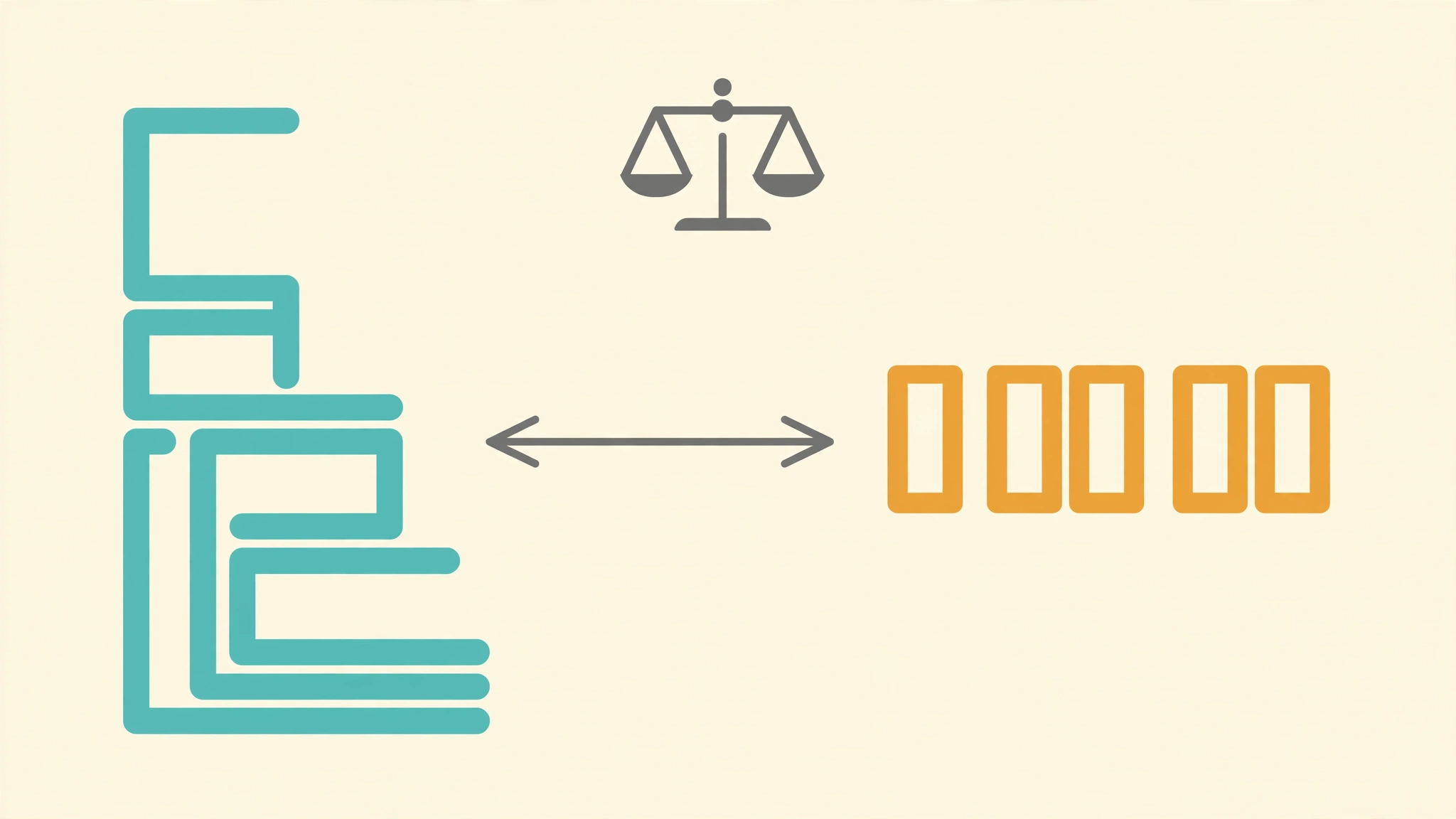
Format vs Minify JSON: What Is the Difference and When to Use Each?

How to Read and Understand Complex JSON Data Structures

5 Most Common JSON Mistakes and How to Fix Them
Haven’t found what you’re looking for?
Tell us which tool you need — our team will consider it for the next update.